

Boots Passport Photos: Create Yours in 2 Min
• We'll ensure it's 100% compliant
• Get verified prints + digital copy
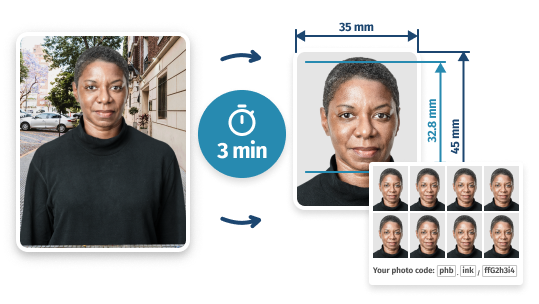
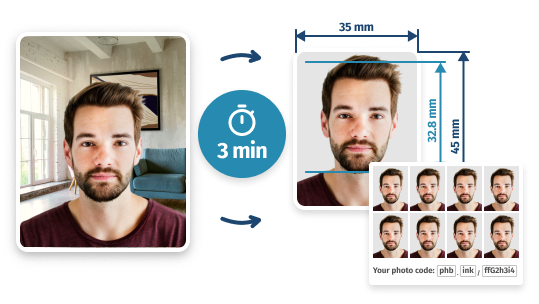
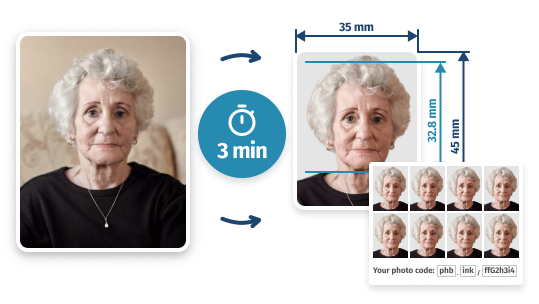
- 293,891
- 100%
- 60-Day
- Images Prepared
- Approval Guarantee
- Money-Back
Boots Passport Photo in 2026: Service Information
- QUICK STEP-BY-STEP GUIDE
4 Steps to Get Your Boots Passport Photos
 1
1Add a basic photo
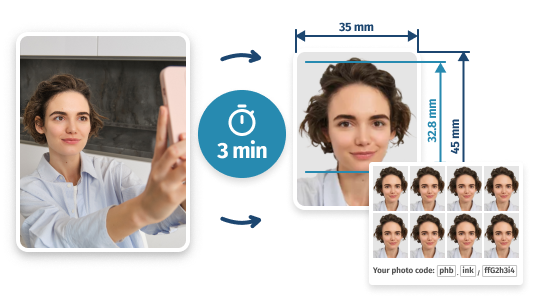
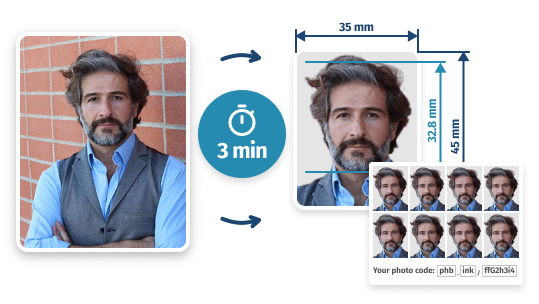
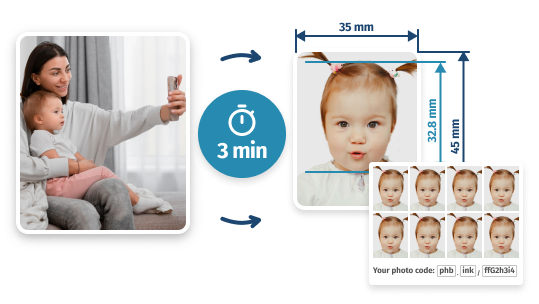
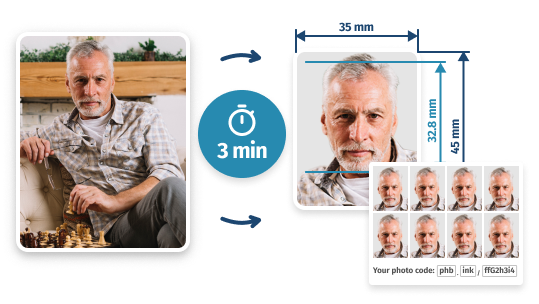
Use your phone to snap a simple headshot against any background. Upload it here to start preparing your Boots passport photo.
2Let us process it
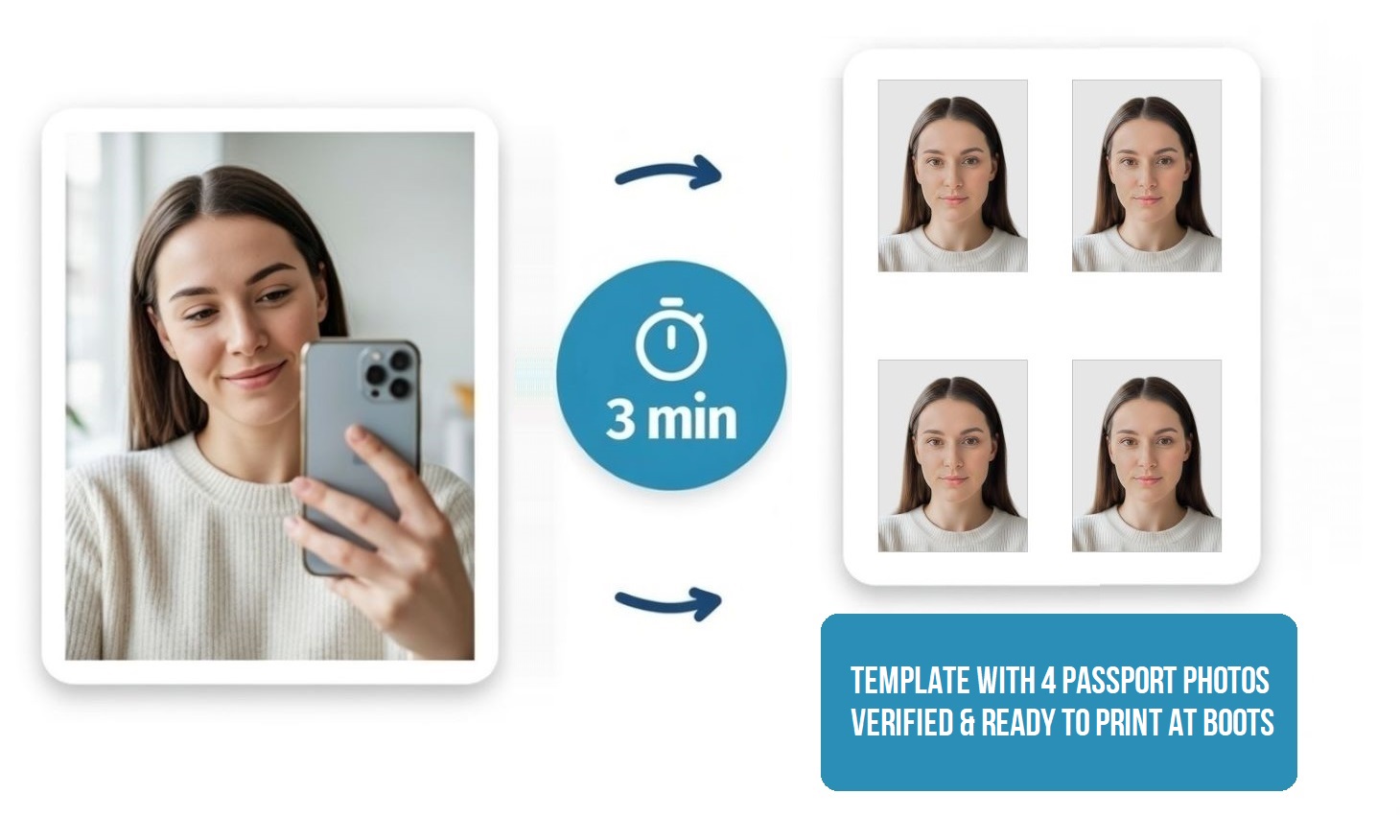
We’ll instantly process your image to meet HM Passport Office standards: correct size (35×45 mm), background, and proportions.
3See passport photo preview
See a preview of your new biometric photo. Not happy? Take unlimited retakes until you have the perfect shot.
4Save template and print it
Download your print-ready 4×6 layout containing 4 copies of your new photo – it’s ready to print at any Boots CEWE Photostation. (If you need help printing at Boots, see our quick guide on in-store or online printing)
You’ll also get a digital copy of your new passport photo and a photo code. If you change your mind about printing, you can use them for your online application.
If you don’t want to deal with printing yourself, you can order delivery of ready-made prints right to your door.
- DETAILED INFORMATION
Does Boots do passport photos?
Today, most Boots stores rely on CEWE Photostations where you can print a digital copy of your own passport photo prepared elsewhere – you can find a printing kiosk using the official Boots store locator. This service costs £0.59.
Boots remains one of the cheapest ways to print passport photos in the UK — but only if you already have a compliant digital template. Otherwise, you risk rejection and paying twice.
Boots Passport Photo Printing Details Appointment Not required Opening Hours Varies by store location, typically early morning (07:00–09:00) to evening (21:00–23:00) Price £0.59 What you get Up to 4 passport-size photos on a single print Acceptance guarantee None Boots offers a very cost-effective way to get printed passport photos, but it requires some preparation – this is why most people prepare a compliant template for printing.
✅ Boots does not check compliance with HM Passport Office rules – so you need to make sure your photo meets all HM Passport Office requirements before printing at Boots.
You can do this with PhotoBooth Online – along with a compliance check, we offer a 100% acceptance guarantee for your Boots passport photos.
How to print your passport photo at a Boots CEWE Photostation
1Find a Kiosk
Use the Boots store locator and apply the ‘Instant Photo Kiosk’ filter to find your nearest CEWE Photostation.
2Connect Your Device
Plug in your USB drive, memory card, or connect your smartphone to the kiosk to access your files.
3Upload Your 6×4″ Template
Select the ‘Print’ option and choose your pre-prepared 6×4″ (10x15cm) template containing your passport photos.
4Pay and Print
Confirm your print settings, follow the on-screen payment prompts, and collect your high-quality passport prints instantly.
How to order passport photos via Boots Photo online
1Select Service Type
Visit Boots Photo, click ‘Order Now’, and choose ‘Print In-Store’ for same-day pickup.
2Upload and Configure
Upload your passport photo template. Set the format to 6×4″ (15×10 cm) and select ‘Gloss’ paper for official compliance.
3Checkout and Pickup
Sign in or register to complete your payment. Your photos will typically be ready for collection at your chosen Boots store within 30 minutes.
Does Boots have a photo booth?
Although Boots now mainly uses CEWE Photostations for printing, some stores still have Photo-Me booths for traditional passport photos. You can find one using the Photo‑Me finder just below. Using the booth costs £10 – for this price, you will get 5 printed photos and a digital photo code.
Where can I find a Boots passport photo booth near me?
Not every Boots has a booth. Check the guide below before you go – otherwise you may arrive and only find a print kiosk.
Since there is no dedicated booth finder from Boots, you can find a Photo-Me booth inside a Boots store using the Photo‑Me finder.
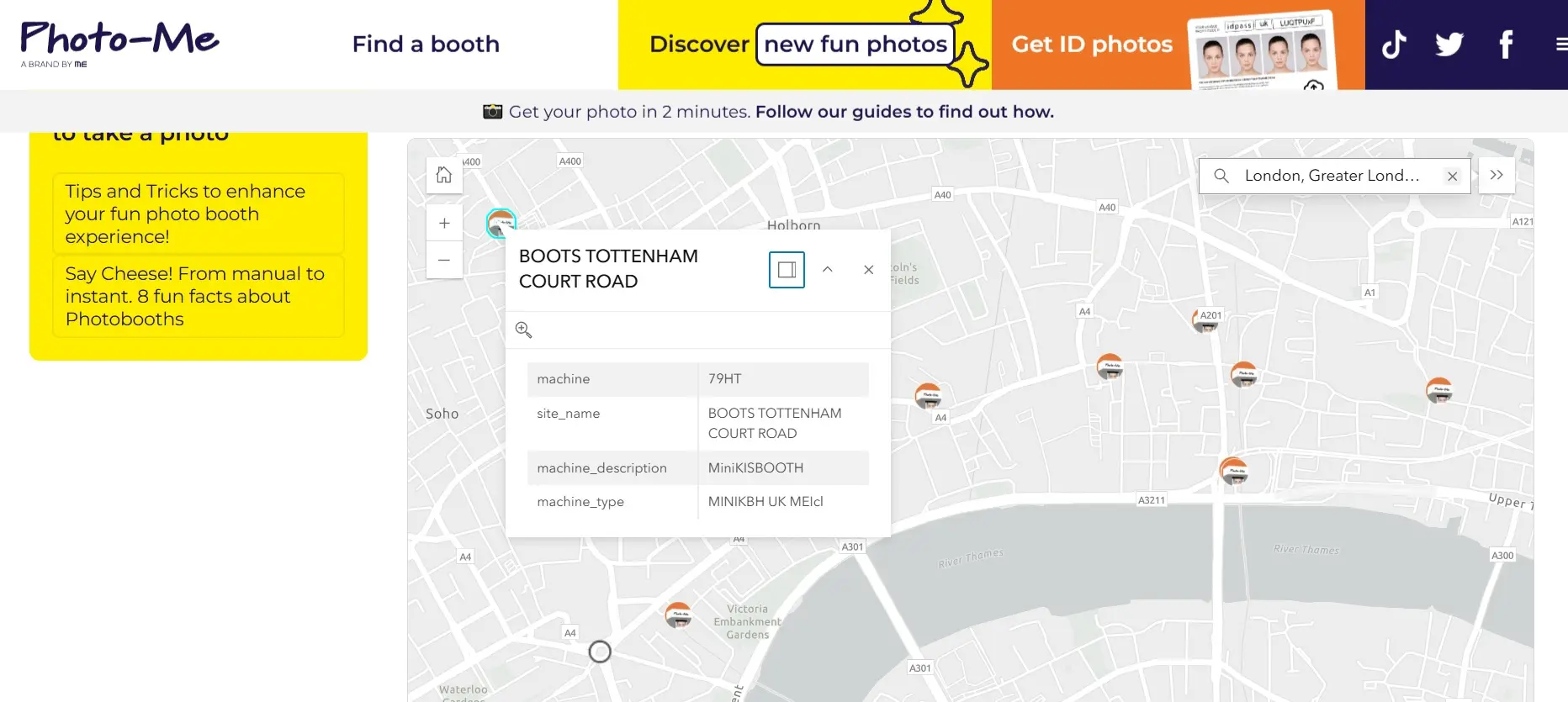
Photo-Me finder showing a passport photo booth in a Boots store. 1Visit the Photo-Me Website
Open their official photo booth finder.
2Enter Your Location
In the upper right corner of the map, enter your address or click Use current location to see all nearby passport photo booths.
3Find a Suitable Address
Find the nearest location that has Boots in the title – that’s the address of a Boots store that has a Photo-Me booth in it.
If it doesn’t matter for you if the booth is in a Boots store or not, you can choose any other location on the map.
Does Boots take digital passport photos?
No – Boots does not take or supply digital passport photos through its main print service. CEWE kiosks only print a template you bring; they do not capture your photo or provide a GOV.UK photo code.
However, if you prepare your passport photo template using PhotoBooth Online, we’ll give you a digital photo code and send a copy of your digital photo to your email too.
When using a Boots passport photo booth located in some Boots stores, you do get a digital passport photo code along with your prints. As an option, you can also enter your email at checkout and get a digital copy sent to your email as well.
Does Boots take baby passport photos?
No. Boots cannot take baby passport photos – it no longer runs passport booths, and its print kiosks only print files you supply.
Even if you do find a Photo-Me booth in a Boots store, it will be unsuitable for infants who cannot sit alone.
A comprehensive guide to Boots passport photos – methods, locations, prices, and printing instructions.
Written by: PhotoBooth Online Team
Updated: 31/08/26
Why Get Boots Passport Photos with PhotoBooth Online
Get Confidence Before Printing
Ready to Print in Minutes
Get Passport Photos Right Now
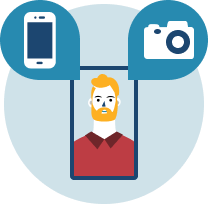
- STEP 1Add a self-taken snapshot
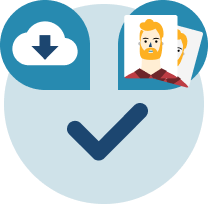
- STEP 2Get passport-ready photos
About Online Boots Passport Photo Service
How exactly does it work?
Upload your photo, and we'll crop it to the passport photo size and remove the background. Then, a human expert will double-check the resulting picture against the rules – once it passes the checks, you can get your new passport photo in digital or printed form.What kind of photo do I upload?
It can be a regular picture of any size and background – for example, you can take it with your phone. But do make sure that your whole head and shoulders are visible, you're looking directly at the camera, and your face is evenly lit.Will my picture be accepted?
Yes, because we verify each picture against the official rules for UK passport photos. If there's any flaw, we'll give you clear instructions on how to fix it.What if it's rejected anyway?
Even if rejection does happen (which is most unlikely), we'll give you a full refund immediately. As another option, you can also request a free retake.How will I get my passport photos?
If you purchase digital pictures (a single image file + a code + a template), you'll be able to download them instantly and get a copy to your email. If you order prints, they will be delivered to you by Royal Mail – within 2 days.How do I print my photos at Boots?
Either order printouts using Boots' online printing service – or copy the template to your phone / USB drive and print it yourself in any Boots that has a photo kiosk. Whatever option you choose, make sure that the print size is 10x15cm (6x4").
In-Store Photos at Boots:
Frequent Questions
Do Boots do passport photos?
Yes, some Boots stores have self-service photo booths for UK passport photos. These are usually Photo-Me machines operated by a third party — not Boots staff. You’ll receive 5 printed photos and a digital photo code. Availability may vary by location.
Prefer not to go in person? You can also create passport photos online using your phone – see how below.
How do I find a passport photo booth at Boots?
Boots does not list passport photo booths on its own website. To find a Photo‑Me booth inside (or near) a Boots store, use the official Photo‑Me booth finder:
- Go to the Photo‑Me booth finder
- Enter your postcode or town
- View nearby passport photo booths on the map
- Check the address to see if the booth is located inside a Boots store
What if there's no Boots passport photo booth near me?
You can create passport photos online using your phone – no booth or store visit needed.
- Take a photo with your phone and upload it here. Background and size don’t matter as long as your photo meets all other requirements (for example, avoid makeup in your passport photo)
- We crop it to 35×45 mm and remove the background, transforming it into a UK passport photo
- Our expert double-checks your image to ensure it meets UK passport rules
- Download a digital photo with a code and printable template – or get 8 printed copies delivered
Every photo includes a 100% acceptance guarantee and can be used for official purposes, including your passport interview if required.
Do Boots do digital passport photos?
Yes, Boots includes a digital photo in their package – as a photo code. If you use a Photo-Me booth at Boots, you’ll receive 4 printed copies of your UK passport photo – plus a unique photo code. This code contains a digital copy of your passport photo, which you can use to apply for your passport online.
Please note: at Boots, even if you only need a digital photo, you’ll still have to pay £10 for prints (similarly to post office passport photos). So why not save money with our service? For a lower price, you’ll get a digital photo without paying extra for prints you don’t need. Simply upload a regular self-taken snapshot, and we’ll turn it into a guaranteed picture for your UK passport.
What is the Boots passport photos price?
It’s £10 for 5 printed passport photos and a digital photo code – if you use a standard Photo-Me booth.
But with our online service, you’ll get a guaranteed UK passport photo with a code for much less. As an extra option, you’ll also get 8 prints with free Royal Mail delivery – and it’ll still be cheaper than the in-store service. Simply upload a casual self-taken picture to turn it into an expert-verified photo!
Plus, our service works perfectly for all ages and documents – whether it’s a baby, man or woman passport photo, or another ID photo you need, we’ll make you one!