

Woman Passport Photo UK: Complete Guide for a Perfect Shot
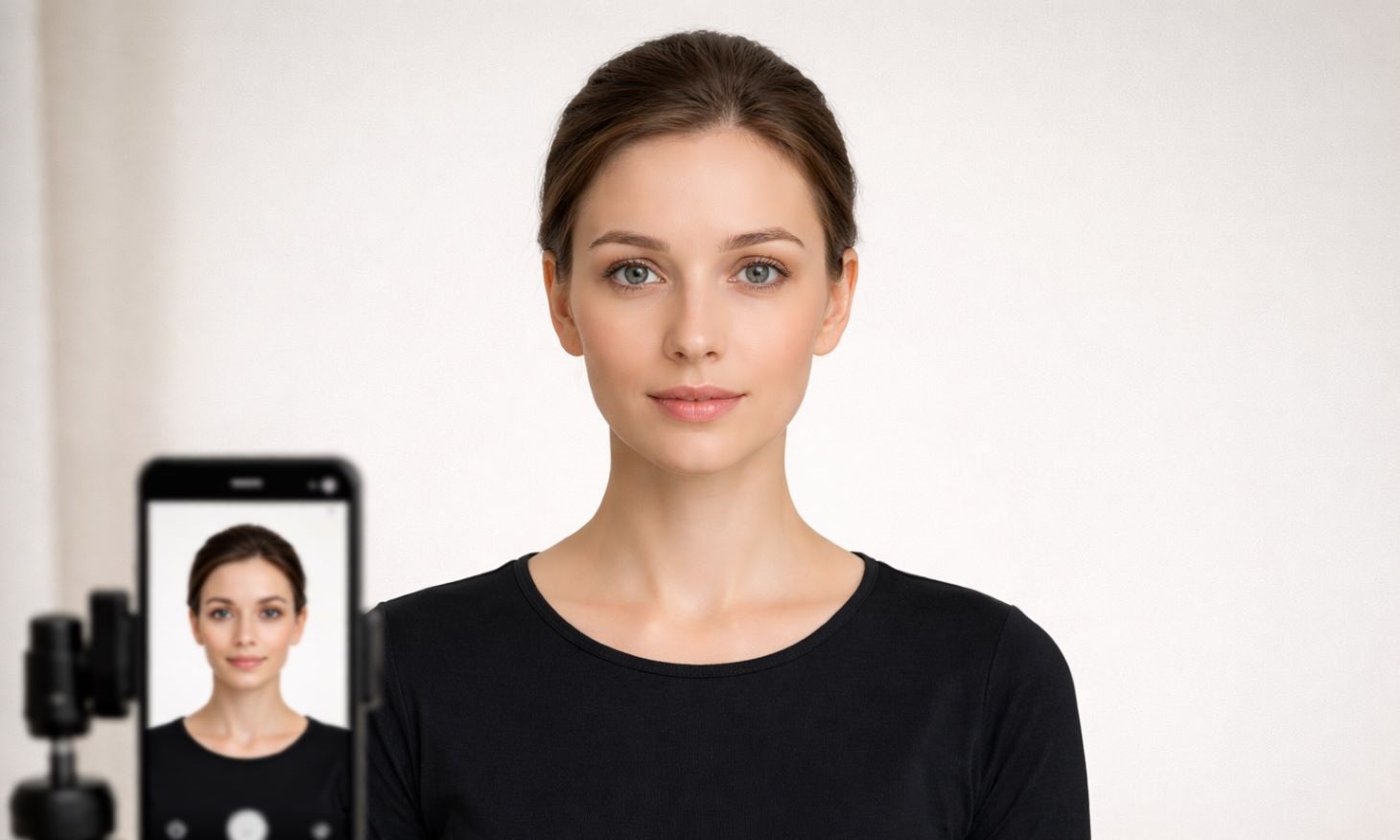
Taking a passport photo that meets UK requirements while highlighting a woman’s features can be tricky.
This guide explains how to prepare your look and avoid common mistakes – or use PhotoBooth Online to capture a compliant, flattering photo from home.
📋 Quick Answer
For a UK passport photo, a woman should keep her hair off her face, wear high-contrast tops (avoid off-white/light colours), use natural makeup, avoiding high-SPF flashback products, maintain a neutral expression, and face the camera directly. The photo must be 35mm×45mm with an off-white background.
Using PhotoBooth Online allows unlimited retakes at home to ensure the perfect shot.
Contents
Passport Photo for a Woman: Preparing Your Look
Creating a passport photo that meets UK rules while highlighting your best features is achievable. Keep these requirements in mind:
- Hair and face visibility: All hair must be off the edges of the face. Consider a neat ponytail, bun, or tucking hair behind ears.
- Clothing: Avoid light or off-white tops that blend into the off-white background. Opt for high-contrast colours like deep blues, greens, or burgundy.
- Makeup: Use natural makeup. Avoid high-SPF products that can cause flashback and avoid glitter or dramatic false lashes.
- Expression: Keep a neutral expression, mouth closed, and eyes open. Look directly at the camera lens.
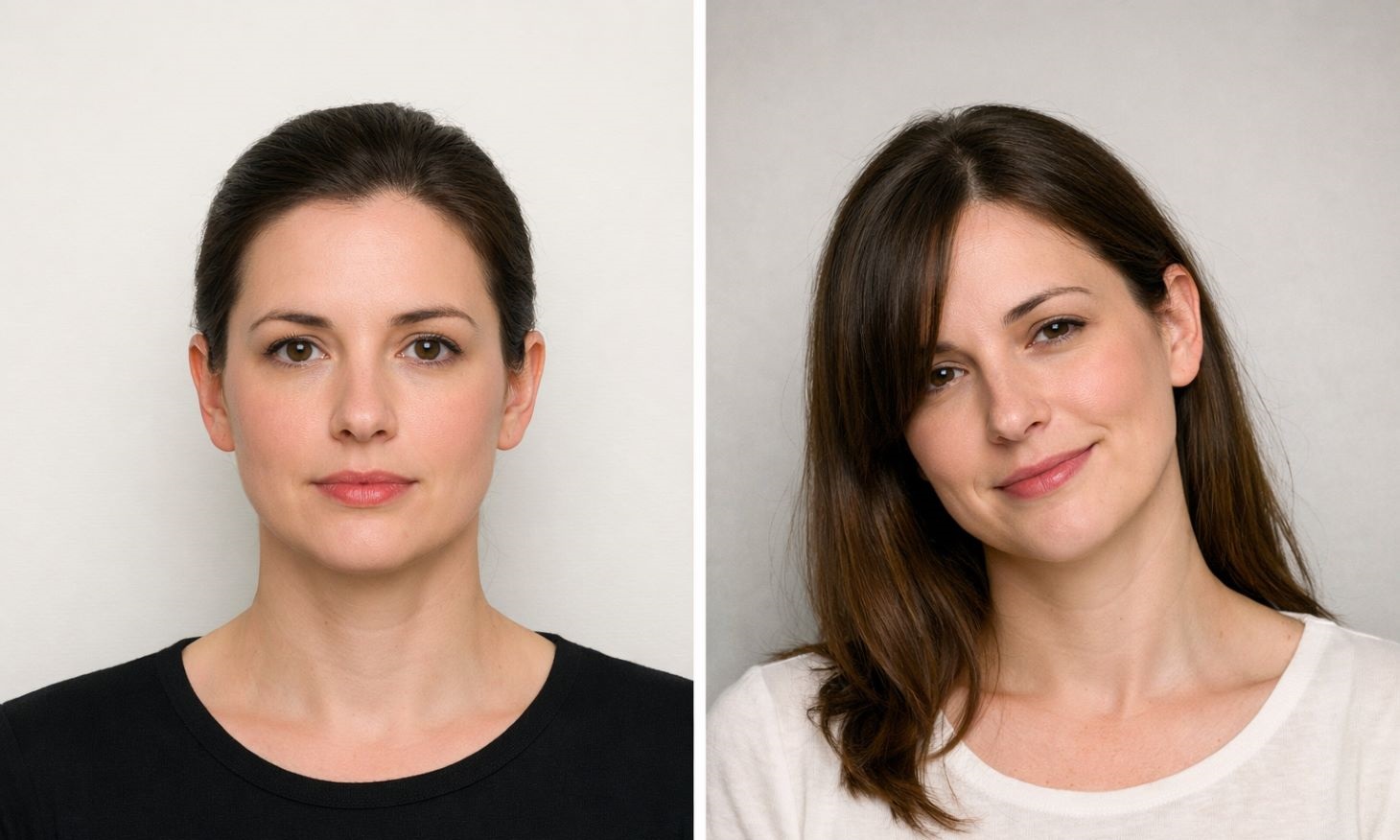
⚠️ Common Pitfalls to Avoid
- Wearing light/off-white tops that blend into the background.
- Using heavy or reflective makeup causing glare.
- Wearing head coverings or hats (except for medical/religious reasons).
- Applying filters or retouching the photo after capture.
- Taking photos too early in the morning, if puffiness is visible.
✅ Using PhotoBooth Online for a Perfect Passport Photo
PhotoBooth Online allows you to take as many photos as needed at home, ensuring your passport photo is both compliant and flattering.
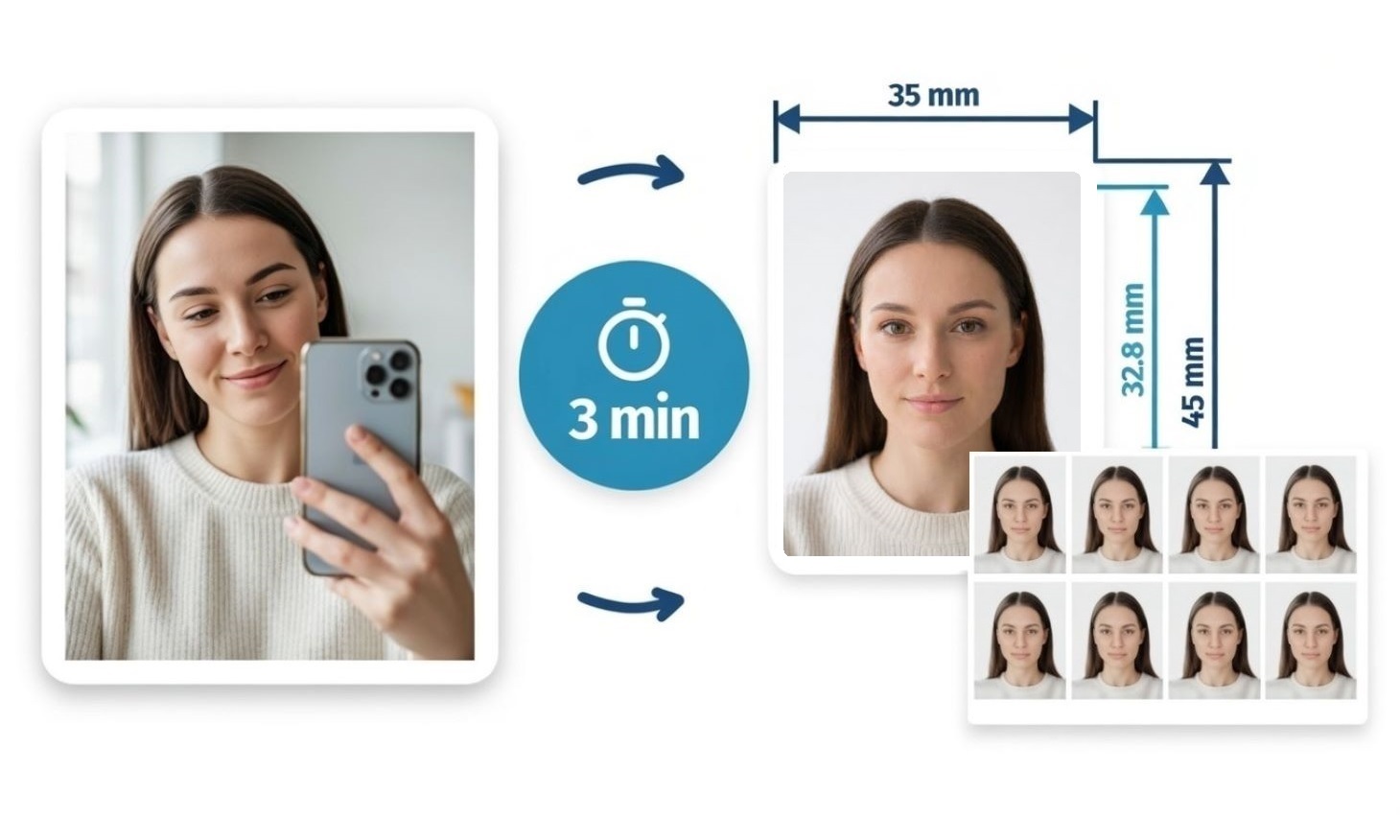
Follow this simple guide.
1
Snap Your Photo
Take a normal photo of yourself using your phone. Face the camera directly and keep your face fully visible. Don’t worry about size or background – our system will fix them for you.
2
Upload to the Tool
Upload your photo to PhotoBooth Online using the green button below.
3
Automatic Formatting
Our system automatically crops the image to passport size, adjusts proportions, and fixes the background, turning your selfie into a compliant UK passport photo.
4
Download or Print
Download your new passport photo as a single digital image or a print-ready template – or order 8 ready-made prints with free delivery by Royal Mail.
✅ Don’t worry about acceptance – we offer an acceptance guarantee for every passport photo we make. In the unlikely case it is rejected, you will get an immediate refund. Not every provider offers this: for example, a Boots passport photo comes without such a guarantee.
With PhotoBooth Online, capturing a compliant and flattering UK passport photo has never been easier. Whether you download a digital copy, print your own, or receive 8 ready-made prints, you can be confident your photo meets official standards – fast, convenient, and stress-free.