

Morrisons Passport Photo: Booth or Online
• We ensure it meets passport rules
• Get digital photo, code, and 8 prints
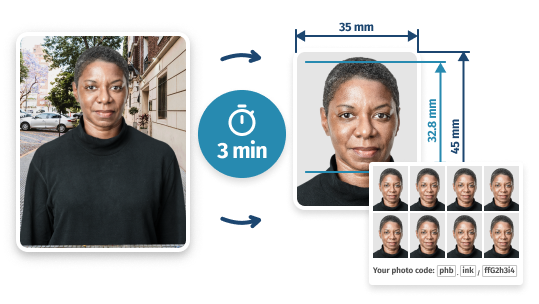
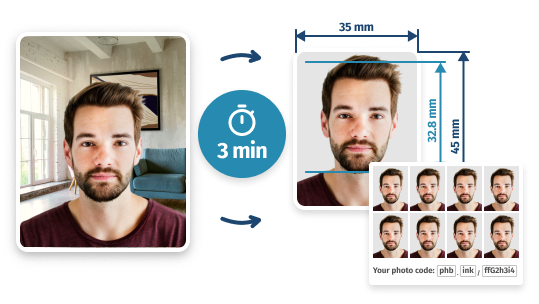
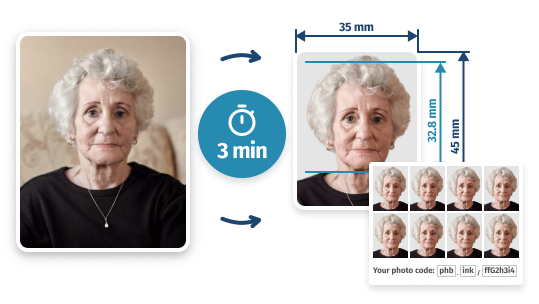
- 289,348
- 101%
- 60-Day
- Images Done
- Approval Guarantee
- Money-Back
Morrisons Passport Photo vs. Online Option
- GET PHOTOS FOR £10 IN-STORE
Is there a photo booth in Morrisons?
Yes, some Morrisons stores have photo booths for passport photos, but not all of them do — see below for how to find your nearest one.
The booths are self-service and don’t require an appointment. Opening hours vary by store but are generally around 7 am to 10 pm.
Morrisons Photo Booth – Quick Facts
- Appointment: Not required – walk in any time
- Opening hours: Approx. 7 am – 10 pm (varies by store)
- Price: £10 (both Photo-Me and Max Spielmann)
- Prints included: 5 prints (Photo-Me) or 4 prints (Max Spielmann)
- Digital copy: Yes – enter your email at the booth
- Photo code for online applications: Yes
- Other ID types available: Visa, driving licence, student card, railcard, and more
- Retakes: Allowed before payment
- Online alternative: from £6.95 with PhotoBooth Online – no trip needed
Finding a Morrisons photo booth near you
Not every Morrisons has a photo booth, so it’s worth checking before you make the trip. Two quick ways to find one:
- Morrisons store finder: Go to the official Morrisons store finder, select a store, and look for the photo booth icon under “In-store services & facilities”.
- Google Maps: Search Morrisons passport photo near me on Google Maps to see all nearby equipped stores at a glance.
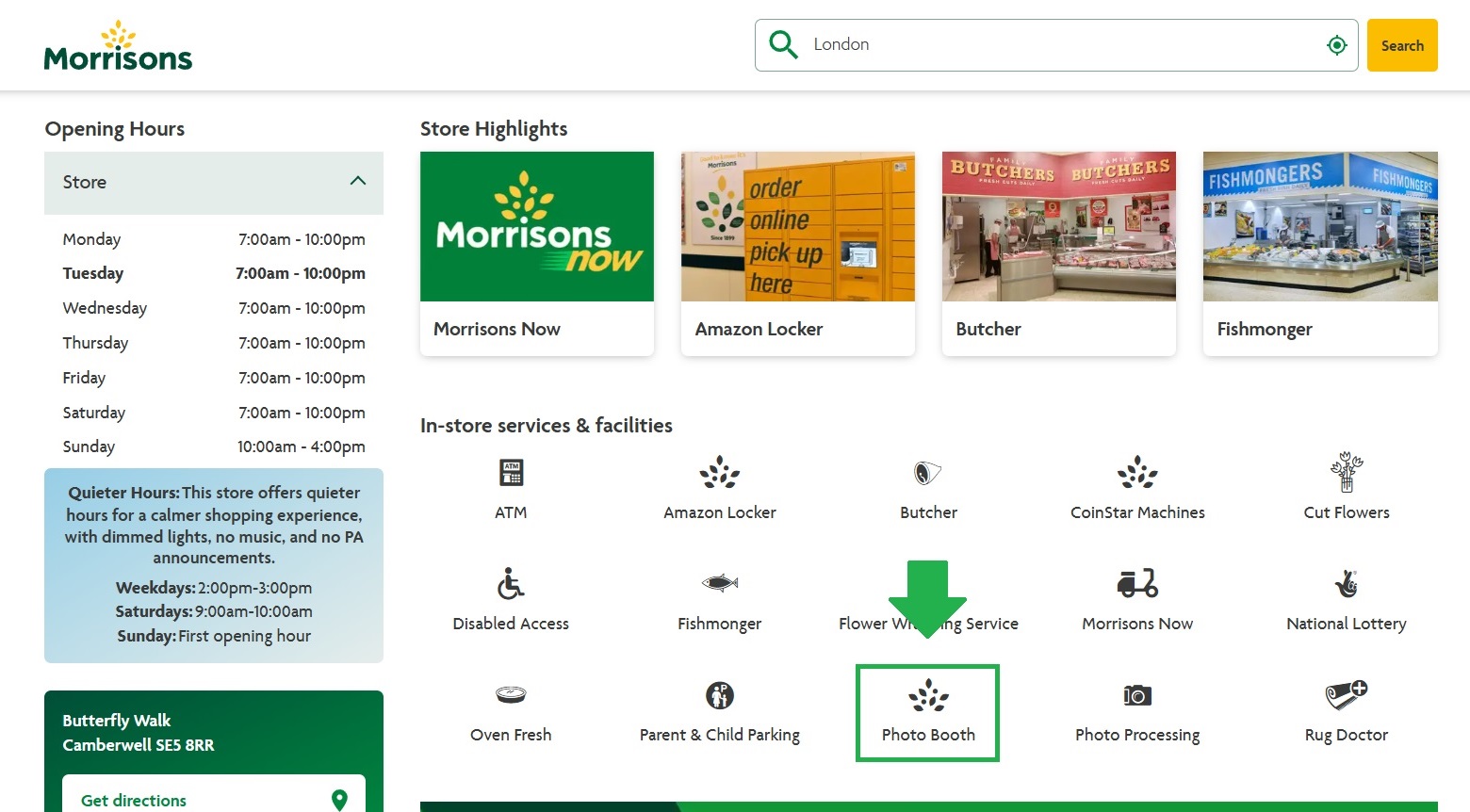
Look for stores with the “Photo Booth” sign. If there’s no convenient Morrisons photo booth near you – or if you’d rather avoid the journey altogether – PhotoBooth Online lets you get a compliant UK passport photo from home in under 3 minutes, for £6.95.
Does the Morrisons photo booth give a digital code?
Yes. The Morrisons digital photo booth – whether a Photo-Me or Max Spielmann machine – issues a photo code at the end of your session. You enter this code directly into the GOV.UK online passport application instead of posting a physical print. You can also enter your email address at the kiosk to receive a digital copy of your photo.
One thing to note: Photo-Me codes can take a few minutes to become active after printing. If the code isn’t accepted straight away, wait a short while and try again before contacting the provider.
What is the Morrisons photo booth price?
Passport photos at Morrisons cost £10 with each booth provider – but the packages are different:
Provider Price What You Get Photo-Me £10 5 printed passport photos + photo code Max Spielmann £10 4 printed passport photos + photo code At both booths, you can also enter your email to receive a digital copy of your photo.
Prices for other documents vary. For example, visa photos and ID photos may cost more.
- SAVE 30% & SKIP THE TRIP
How to Get Photos Now for £6.95
Skip the trip and get an accepted UK passport photo online for just £6.95 – with PhotoBooth Online.
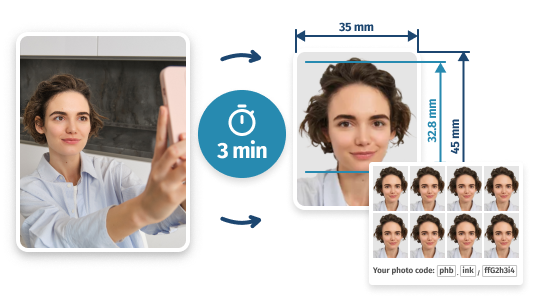
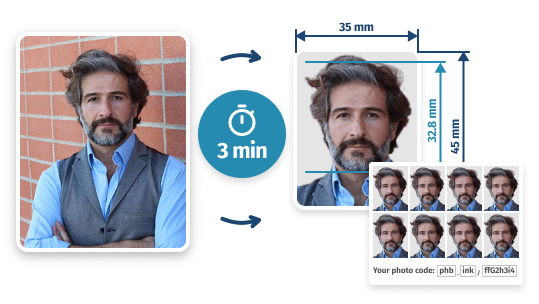
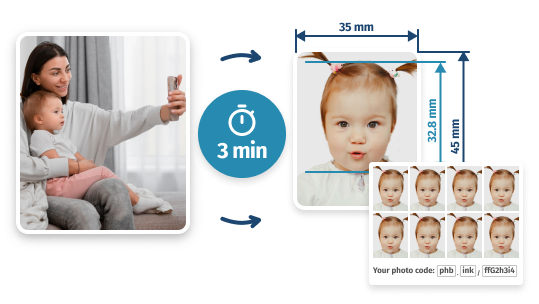
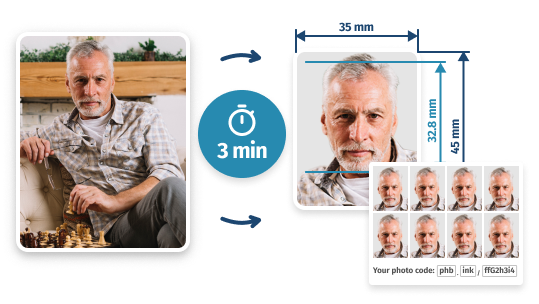
Add your photo – any size, any background – and we’ll turn it into a compliant passport photo. Get a digital copy, a code, and a print-ready sheet with 4 photos for in-store printing. As an option, you can get 8 ready-made prints delivered by Royal Mail.
Find out if your local Morrisons has a passport photo booth, how much it costs, where to find one near you, and how to get a compliant UK passport photo online for £6.95.
Written by: PhotoBooth Online Team
Updated: 07/05/26
Get Your Passport Pictures Right Now
- 1. Add a self-taken pictureAny size and background
- 2. Turn it into an ID photoGet digital/printed copies


Passport Photos at Morrisons Online: A Guide
Can I get only digital copies?
Yes, you can! We offer two options: 'Digital' (includes a digital passport photo, photo code, and self-print template) and 'Digital + Prints' (includes the above plus 8 printed copies). Get a preview for free: upload a regular self-taken snapshot, and we'll turn it into a guaranteed passport photo – try it now!How exactly does it work?
You can upload a photo taken in any setting – we’ll then prepare it for passport use by adjusting the size to 35×45mm and removing the background. The final image is checked to meet official UK passport photo guidelines.What kind of photo should I upload?
In your photo, stand straight with your head and shoulders entirely visible, maintain a neutral expression, and look directly at the camera. Ensure good lighting with no shadows on your face. Once again, the size and background don't matter – we'll edit them for you.Will HMPO accept my picture?
Yes, because we thoroughly check every passport photo against the official guidelines to minimize rejections. In the rare case that His Majesty's Passport Office doesn't accept your photo, we'll promptly issue a full refund.How do I print your template?
You can print it in-store by saving it to a USB and visiting any printing location (not just Morrisons) – just tell the staff you need to print pre-prepared passport photos on a 6x4" sheet, and they'll do the rest for you.Can I take passport photos in-store?
Yes, you can. See the F.A.Q. section below to learn more about the in-store services, but in a nutshell, you can either visit an in-store photo booth where the package includes just 4 prints and a code – or use the online option and get 8 prints, a digital copy and a photo code.
Morrisons Photo Booth and Online Service: F.A.Q.
Does Morrisons have a photo booth?
Yes, but only at select stores (also commonly searched as “Morrison” without the ‘s’ – it’s the same supermarket chain). Not every Morrisons location has a photo booth – the machines are operated by either Photo-Me or Max Spielmann, and availability varies by branch. Use the Morrisons store finder and look for the photo booth icon under “In-store services & facilities” before making the trip.
Do Morrisons do passport photos?
Yes. Morrisons stores that have an in-store photo booth offer passport photos for £10. The package includes printed photos (4 or 5 depending on the provider) and a digital photo code for GOV.UK online applications. No appointment is needed – just walk up to the booth during store opening hours.
Can you get passport photos at Morrisons?
Yes, you can get passport photos at Morrisons stores that have a self-service photo booth. The booth produces a compliant 35×45 mm passport photo, prints, and a digital code. If your local Morrisons doesn’t have a booth, you can also use PhotoBooth Online to get an HMPO-compliant photo from home for £6.95.
How much does the Morrisons photo booth cost?
Passport photos at both Photo-Me and Max Spielmann booths in Morrisons cost £10. Photo-Me gives you 5 prints and a photo code; Max Spielmann gives you 4 prints and a photo code. Both include a digital copy if you enter your email at the kiosk. Prices for visa photos and other ID types may be higher.
Does the Morrisons photo booth give a digital code?
Yes. Both Photo-Me and Max Spielmann booths at Morrisons issue a photo code at the end of your session. You can enter this code directly into your GOV.UK online passport application. Note that Photo-Me codes can take a few minutes to become active after printing – if yours isn’t working immediately, wait a short while and try again.
How do I find a Morrisons photo booth near me?
Two reliable ways to find a nearby Morrisons with a photo booth: use the official Morrisons store finder and check the “In-store services & facilities” section for the photo booth icon, or search Morrisons passport photo near me on Google Maps for a visual map of nearby options.
How do I print my passport photo at Morrisons?
You can print pictures in-store for £0.60 – using an iSnaps kiosk located in Morrisons and some other stores. Here’s how:
- Get Your Template Here: Use our service to create a print-ready template with 4 copies of your passport photo – and copy it to a USB drive.
- Find a Printing Kiosk: Locate a nearby self-service photo kiosk using the store finder.
- Insert Your USB: Select “Other media” > “USB Stick” on the kiosk screen, then insert your USB.
- Choose Your Print Size: Select “6×4″ (15.2 × 10.2 cm)”, find your template, and confirm.
- Pay & Print: Review your order, make a payment, and collect your prints instantly.
How do you use the photo booth in Morrisons?
Although these are fairly outdated, using them is relatively easy. Each one gives you simple and straightforward instructions when used. However, if you just need an understanding of how a Morrisons passport photo booth works, here’s a step-by-step description:
- Check Availability and Get Comfortable: Make sure the booth is not occupied and come inside. Sit in front of the touchscreen in a comfortable position.
- Start and Select Passport Photo Option: Once you’re ready to begin, tap the screen and choose the option on the left with passport photos.
- Select the Format: You can either get a digital version of your image for online submission or have it printed out.
- Check the Guidelines: Review the instructions and examples given on the screen to make sure what your new passport photo should and shouldn’t look like.
- Position Yourself and Adjust Head Placement: Once you hit OK, the machine will give you instructions on how to position yourself and set up its camera. On the next screen, make sure that your head is inside the oval (use the up and down buttons for adjustment). Hit OK again.
- Take and Review Your Photo: The voice will start counting down and take your passport photo once the countdown finishes. After processing, you’ll be able to see the preview of your shot and decide if it’s OK (the system will also tell you when your image has passed all its checks). If you’re satisfied with the result, tap OK.
- Make Payment and Collect Your Photos: When on the payment screen, choose a quantity, select the payment method and pay for your Morrisons passport photo in cash or by card. As soon as the system gets your money, it will print your images out. Plus, if you’re using a Photo-Me machine, it’ll give you a digital code (it may take time for it to become usable; see our guide if your Photo-Me code is not working).