

Harvey Norman Passport Photos in 2026: Availability & Cost
📋 Quick Answer
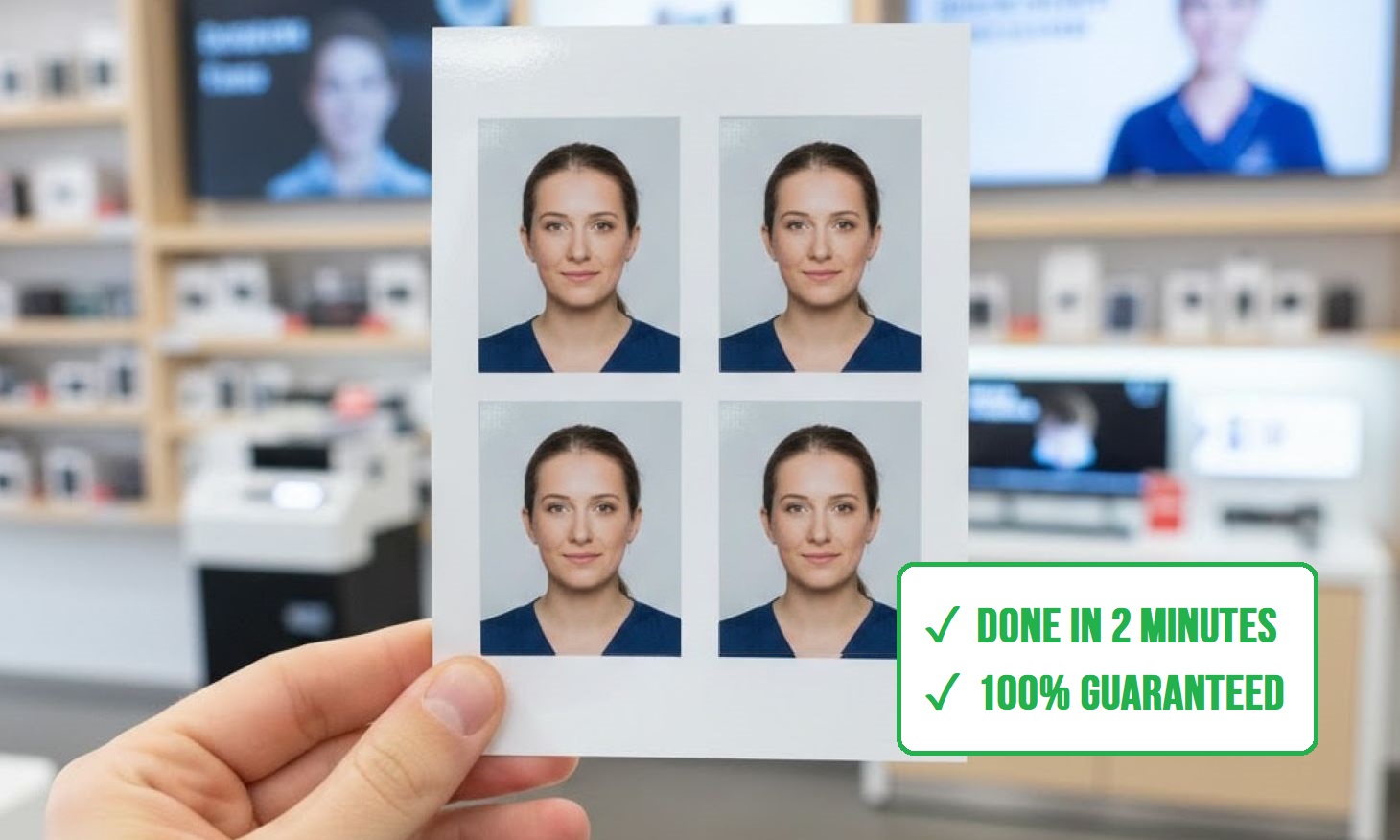
Harvey Norman does not take passport photos. PhotoCentre staff will not photograph you. They will print a 6×4″ (15×10 cm) file you already have. PhotoBooth Online prepares that print-ready 6×4″ passport photo template from a normal photo — four 35×45 mm copies on one sheet — so you can print it at any Harvey Norman PhotoCentre.
Contents
How to Get a Print-Ready Harvey Norman Passport Photo
Australia has no online passport application. You still need printed photos — usually two identical copies — that meet Australian Passport Office photo rules.
Harvey Norman will not create that photo for you. But you can use PhotoBooth Online to process a normal portrait into a verified 35×45 mm biometric image and a 6×4″ sheet with four copies. That sheet is what you take to a PhotoCentre or upload to Harvey Norman Photos.
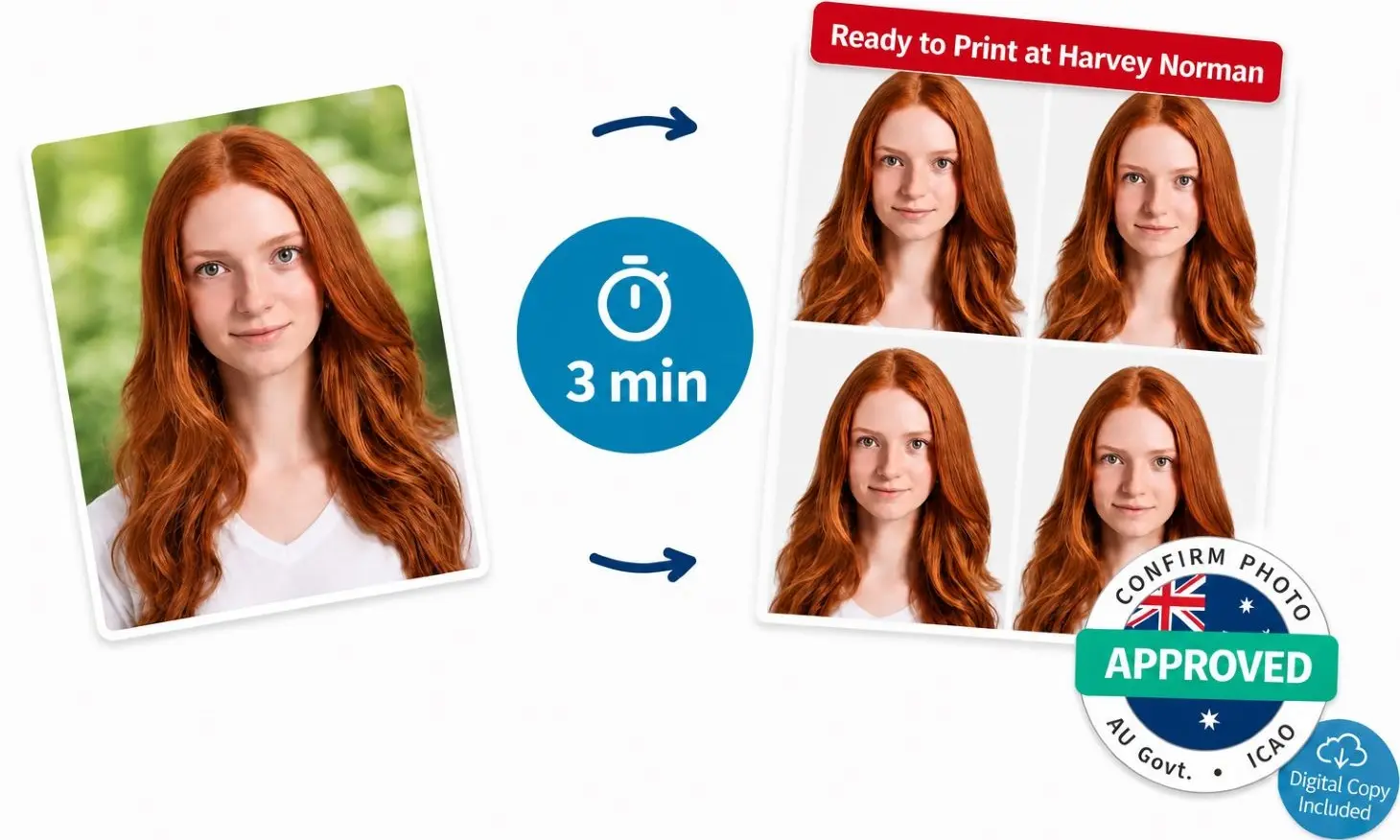
Take a Regular Photo
Stand in even light, face the camera, and keep a neutral expression. A window in front of you works well. You do not need a studio background. Wear a dark, plain top so your face stands out.
Upload It Here
Use the green upload button at the bottom of this page. We crop the photo to Australian passport size, set the head height, and let you choose a background (original, light grey, or darker grey). Preview the result and retake it if you are not happy.
Download the 6×4″ Template — or Skip the Store
Pick the option that fits how you want the prints:
Option A: Digital Photo + Print-Ready Template
Get a JPG of your passport photo and a 6×4″ sheet with 4 copies. Download it at once (plus get a copy to your email), then print it at Harvey Norman or any other photo counter.
Option B: Digital + 8 Ready-Made Prints
Everything in the digital plan, plus 8 professional prints posted to you with free delivery in Australia. Use this if you would rather not visit a Harvey Norman PhotoCentre.
How to Print Passport Photos at Harvey Norman
📋 Quick Answer
Save your 6×4″ template on your phone. Print from a PhotoCentre kiosk if the store has one, or order a 6×4″ (15×10 cm) Instore Photo Print on the Harvey Norman Photos site. Print one copy of the template — the sheet already holds four passport photos.
Harvey Norman’s own Passport Photo ID product is print-only. Their wording is clear: bring existing photos on digital media. Stores cannot shoot new passport or photo ID pictures at this time.
Option 1: In-Store Kiosk or Counter
If you are already at a PhotoCentre, you can print from a USB, your phone, or the PhotoCentre app. Not every store has the same kiosk, so ask staff if you cannot see one.
Find the PhotoCentre
Look for the photo counter or kiosk. Confirm they print 6×4″ from a customer file.
Choose 6×4″ Rectangle Prints
Select Photo Prints → Prints and Enlargements → 6×4″ (15×10 cm). Do not look for a “passport” size — that is why you brought a template.
Transfer the File
Use USB, a cable, or the app’s “Transfer Pictures to Kiosk” flow. Print one copy of the template at full frame.
Option 2: Click & Collect on Harvey Norman Photos
This is the path Harvey Norman publishes for in-store 6×4″ prints ordered online. Pickup is free.
Open Harvey Norman Photos
Go to the 6×4″ Instore Photo Print page (Photo Prints → 6×4″ / 15×10 cm).
Upload the Template
Upload the 6×4″ sheet from PhotoBooth Online. Do not crop, filter, or “fit to frame.” If the site offers editing, skip it.
Choose Store Pickup
Select Click & Collect at a PhotoCentre. Quantity should be 1 unless you want spare sheets.
Pay and Collect
Same-day pickup is advertised after 3 hours if you order before 2pm. Otherwise collect the next day. Wait for the ready-for-collection message before you go.
⚠️ Paper finish: In-store Harvey Norman 6×4″ prints are listed as lustre only. The Australian Passport Office asks for heavy-weight glossy paper (minimum 200 gsm) made with dye sublimation, not inkjet. Ask the PhotoCentre if they can print glossy. If they cannot, you can get Kmart passport photos by printing the same template at their kiosk, or order PhotoBooth Online’s 8 ready-made prints with home delivery.
How Much Do Harvey Norman Passport Photos Cost?
📋 Quick Answer
You are not paying a studio sitting fee. You pay the normal 6×4″ print price — from $0.19 for an in-store print, or $0.25 for a ProLab 6×4″ print (about 7–10 working days).
| What you buy | Price | Notes |
|---|---|---|
| Harvey Norman 6×4″ instore print | From $0.19 | Pickup from 3 hours if ordered before 2pm. |
| Harvey Norman 6×4″ ProLab print | $0.25 | Lab print. About 7–10 working days. |
Walk-in capture at Australia Post or Officeworks is a different product: staff take the photo, and you pay a studio-style fee (around $20+). Harvey Norman passport photo printing is cheaper only because you bring a finished file.
Harvey Norman PhotoCentre Locations
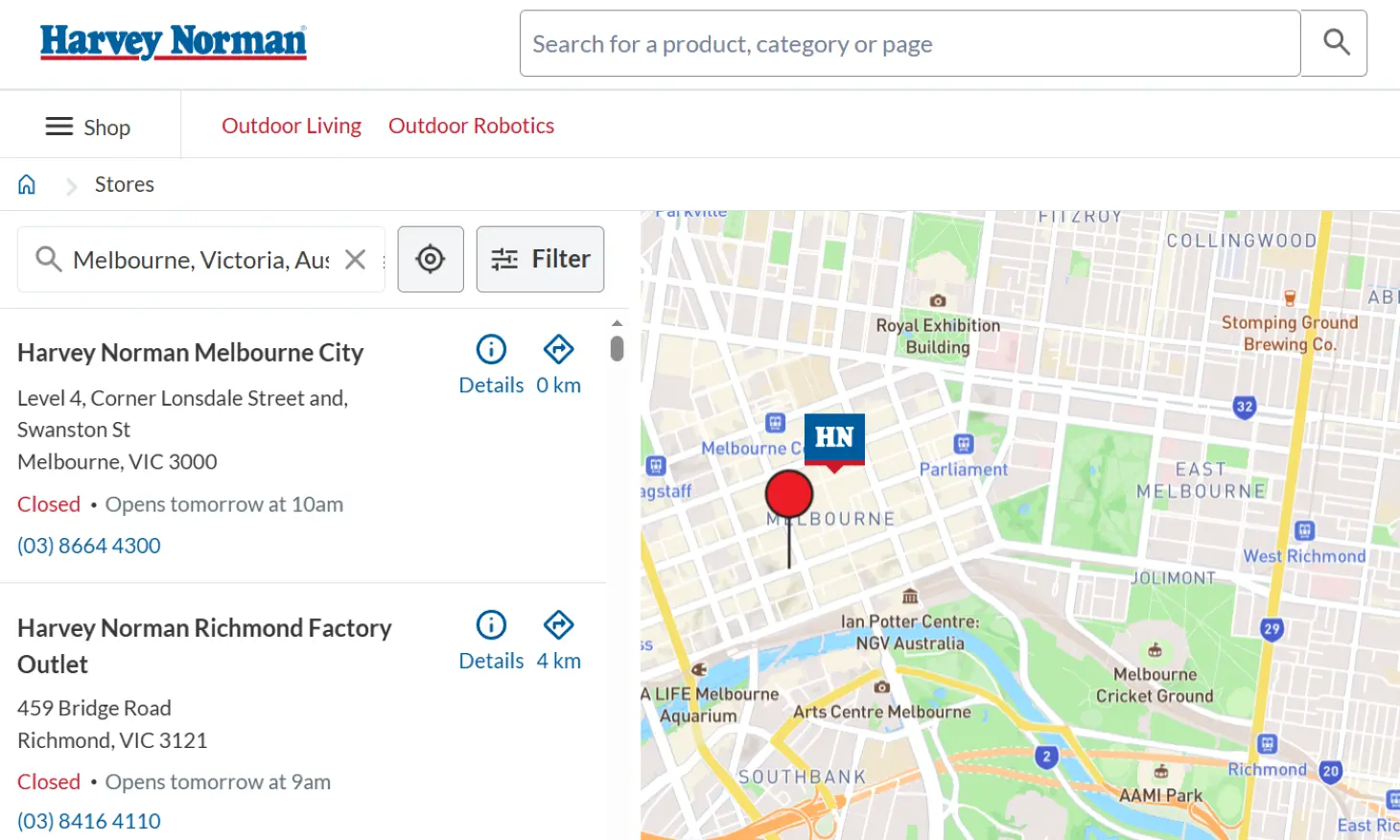
You can print at Harvey Norman branches that run a PhotoCentre — including many stores in Sydney, Melbourne, Brisbane, Perth, and regional centres. Harvey Norman says passport-style ID printing from digital media is available in selected stores only.
Open the Store Locator
Go to the official Harvey Norman store locator.
Search and Filter
Enter your suburb or postcode, then use Filter and tick PhotoCentre.
Visit the Store
To print your pre-prepared template, ask the staff for help or do it yourself using the printing guide above.
Need same-day prints and the local PhotoCentre cannot help? The same 6×4″ template also works at Kmart Kodak kiosks and other photo printers.
Harvey Norman Passport Photos: Frequently Asked Questions
Does Harvey Norman do passport photos?
They print them. They do not take them. Harvey Norman PhotoCentres will print a digital file you bring. Staff will not photograph you for a passport or other photo ID.
Do Harvey Norman take passport photos?
No. They no longer offer in-store passport photography. The live listing says stores cannot shoot new passport and photo ID pictures, and that you must bring existing photos on digital media.
Can you print passport photos at Harvey Norman?
Yes, at selected PhotoCentres. Upload or transfer a 6×4″ (15×10 cm) template that already contains correctly sized 35×45 mm photos. You can print in store if a kiosk or counter can take your file, or order on their official website for Click & Collect.
How much do Harvey Norman passport photos cost?
A 6×4″ instore print starts at $0.19. A ProLab 6×4″ print is $0.25. That is the print only — Harvey Norman does not take the picture. Prepare a 6×4″ template with PhotoBooth Online first, or order ready-made prints from us if you want to skip the PhotoCentre.
How do I do Harvey Norman passport photo printing?
Prepare a 6×4″ template first. Then take the file to a PhotoCentre kiosk, or order a 6×4″ instore print online and collect it. Do not order four separate small prints — one template sheet is enough for a standard application.
Will the passport office accept photos printed at Harvey Norman?
The passport office accepts photos that meet its rules for size, background, expression, and print quality. Harvey Norman does not check those rules. If you print a compliant PhotoBooth Online template on suitable photo paper, you are in the same position as anyone using a retail printer. If your prints are rejected because of the photo, PhotoBooth Online’s refund covers the photo purchase within 60 days. Ask about glossy dye-sub paper before you pay for the print.
Why use PhotoBooth Online instead of the Harvey Norman Photos app?
The PhotoCentre app and website print the image you upload. They do not apply Australian biometric crop, head height, or background rules. PhotoBooth Online does that work, runs an extra compliance check, then gives you a 6×4″ file the app can print.